


FoliagePal feature

AI Plant Identifier

Identify a plant from a photo, confirm the match, and move straight into its profile and care guidance.

Download on the App StoreGet it on Google Play
FoliagePal plant identification camera

Quick answer

FoliagePal uses a plant photo to propose an identification and connects the result to care guidance. Treat the result as a starting point: confirm leaf, stem, growth habit, and location before making safety-critical decisions.

Input
Plant photo
Output
Candidate identity and care context
Best practice
Confirm visible features

REAL PRODUCT SCREENS

See the complete flow, from action to result

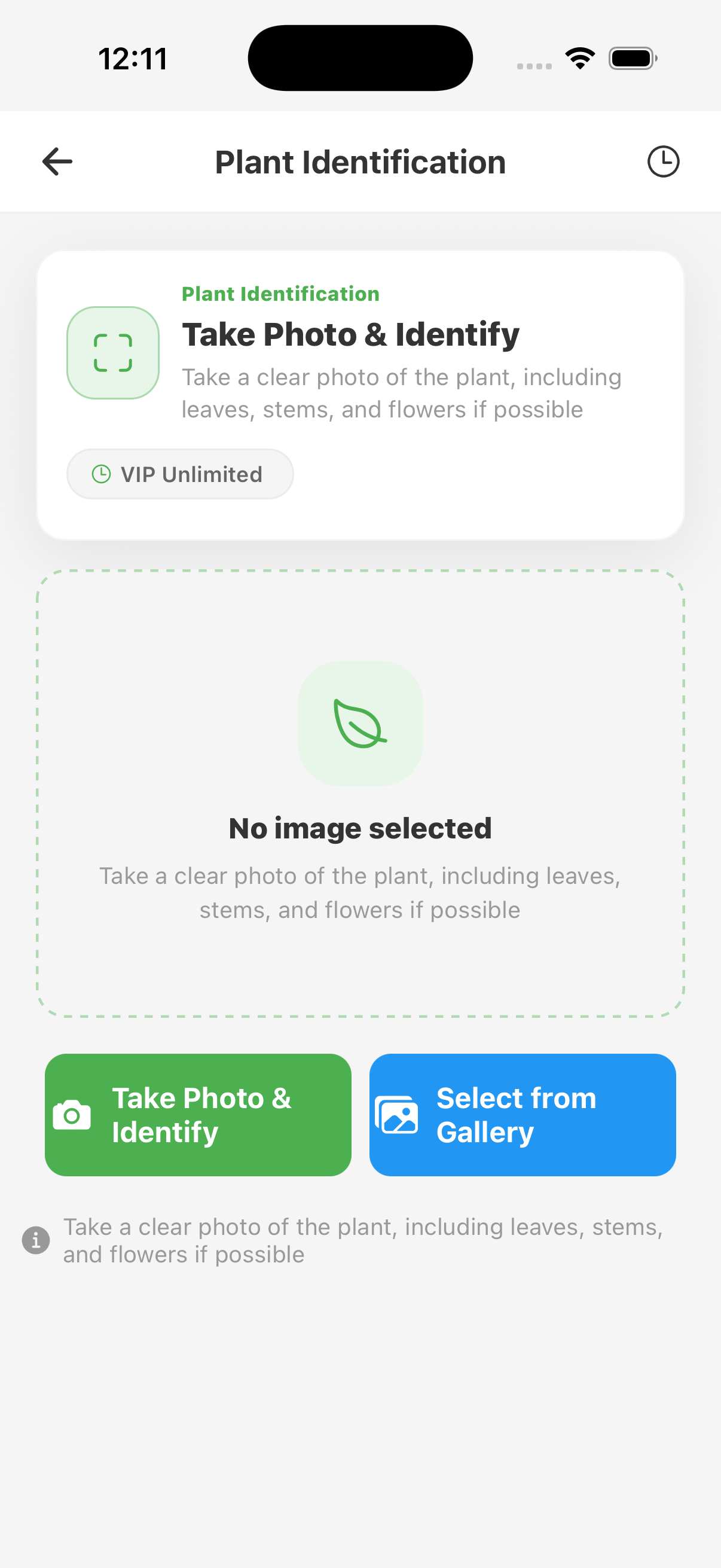
FoliagePal plant identification camera
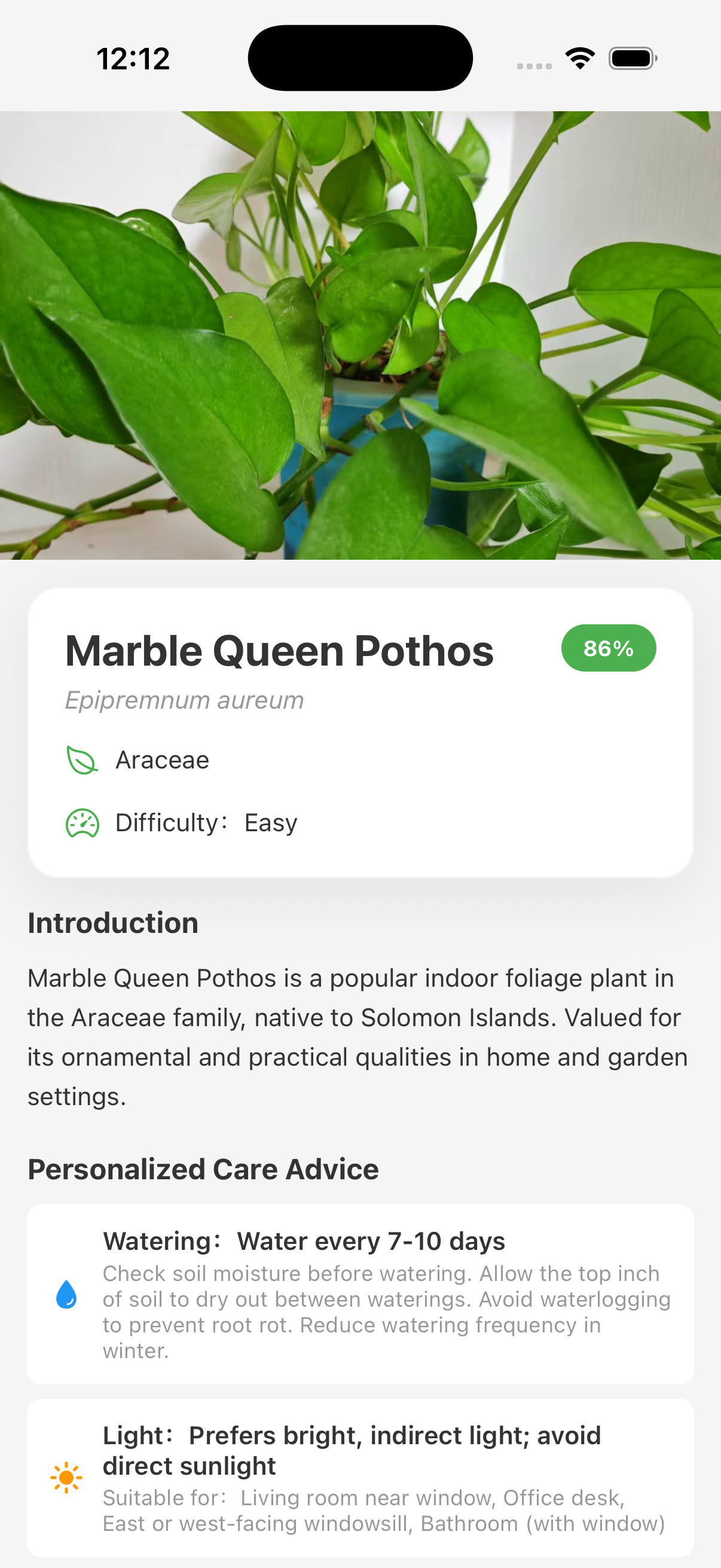
Plant identification candidates and confidence
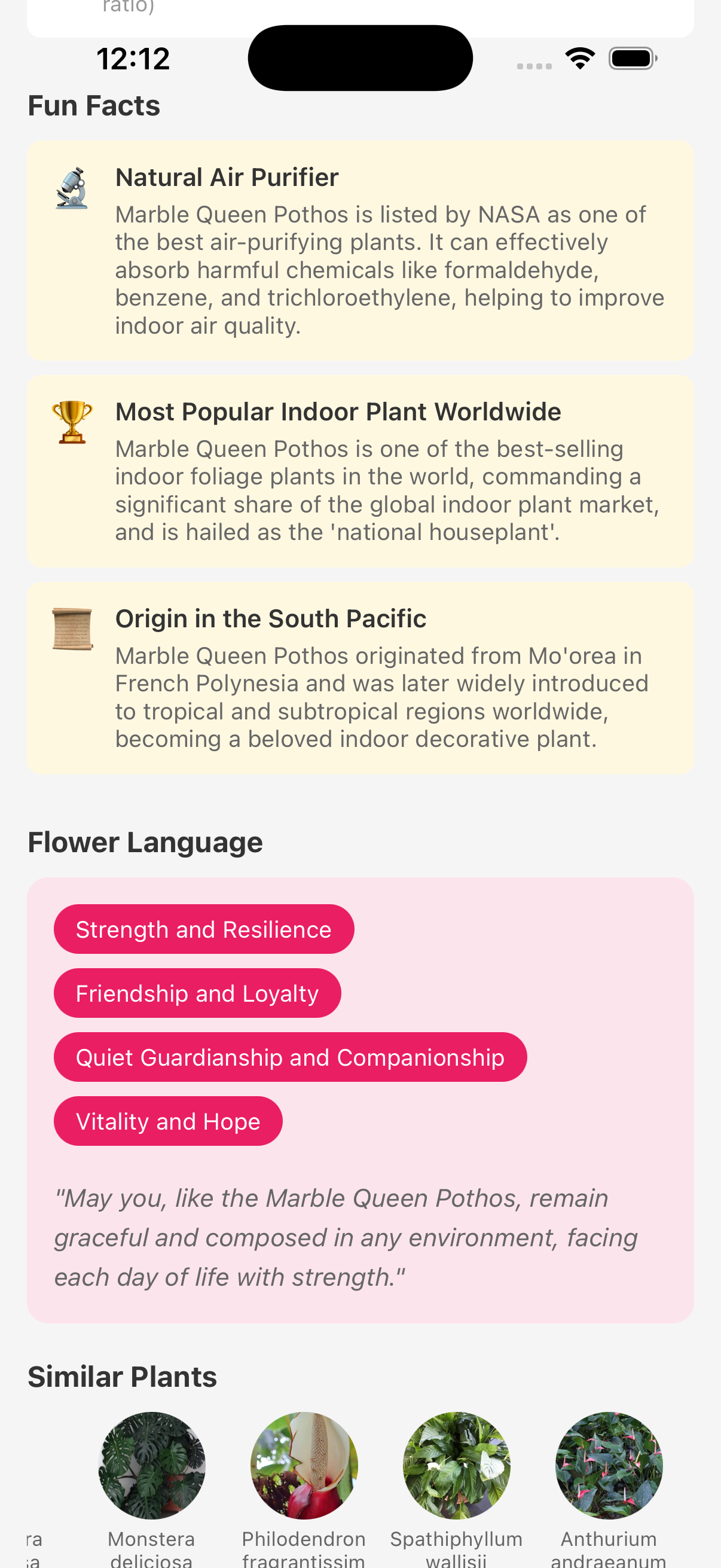
Confirmed plant identification and profile details

How it works

Take a clear photo that includes leaves and stems. Review the proposed name, compare visible traits, then save the confirmed plant to your collection.

  • Use natural light without filters.
  • Photograph the whole plant and one close detail.
  • Retake the photo when the result conflicts with visible traits.

What the result is for

A confirmed plant can lead into species-specific care, reminders, growth records, and related problem guides.

Important limits

A photo may not distinguish look-alike species, cultivars, seedlings, damaged plants, or plants without diagnostic features. Never use an AI-only result to decide whether a plant is edible or safe for people and pets.

FoliagePal

Turn guidance into care that fits your plant

Save the plant, plan care, and record new growth.

Download on the App StoreGet it on Google Play